
Automotive design
Front grilles, speaker covers and interior trim, with parametric openings that stay on-brand across a model line.
STEP · DXF
Grilles, vents and halftones, exported as SVG, DXF and STEP.
This tool requires a desktop computer. Leave your email and we'll send you the link.
Please enter a valid email address.
Something went wrong. Please try again.
We've already sent the link to this address today. Please check your inbox and spam folder.
Check your inbox. The link is on its way.




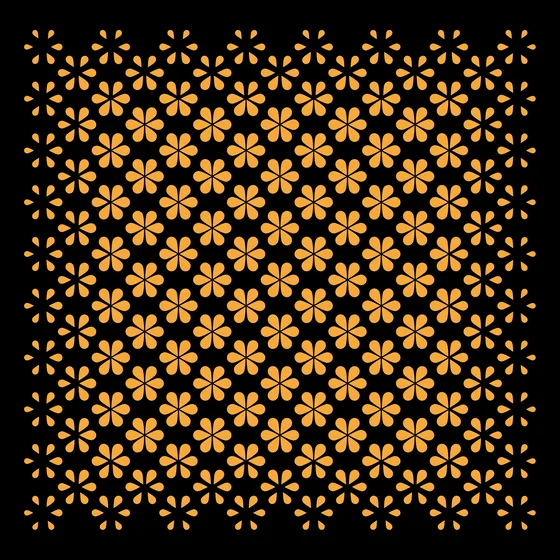








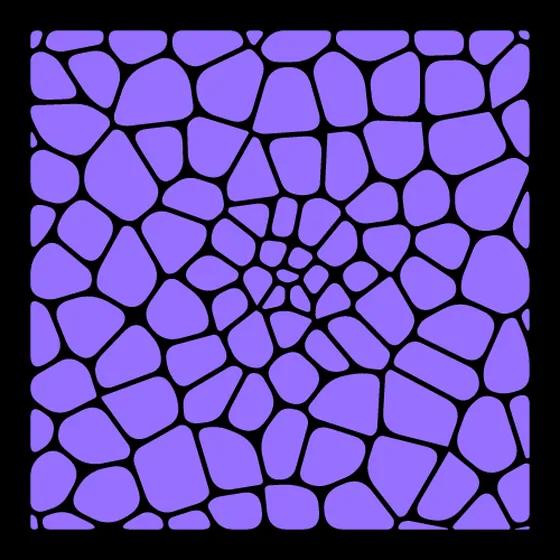




Front grilles, speaker covers and interior trim, with parametric openings that stay on-brand across a model line.
STEP · DXF

Tread textures and midsole lattices with density gradients that follow the pressure map of the foot.
SVG · STEP

Headphone grilles, laptop vents and smart-speaker enclosures, balancing open area against structure.
STEP · SVG

Poster backgrounds, brand patterns and UI textures as clean, infinitely scalable vectors.
SVG

Perforated metal facades, ceiling diffusers and decorative screens, clipped to any boundary shape.
DXF · STEP

Closed vector paths in real-world millimetres, ready to send straight to the cutter.
SVG · DXF

Export a STEP solid, extrude or wrap it in your CAD of choice, then slice and print.
STEP
Unedited comments from the Reddit launch threads.
“This is freaking awesome! I’m currently printing shoe soles, having a terrible time generating patterns for the treads in CAD. This is perfect.”
u/Heat_Dupont
“Shut up and take my money”
u/grobsten
“Very cool! I haven’t started 3D printing yet, but bookmarking this as I have ideas for chassis enclosures — and honestly this could probably be used for putting cool patterns into objects.”
u/Novatrix417
“Wow this is fantastic, what a clean solve for a specific pain point in mechanical design. Well done!”
u/Clubb_ID
“Damn! That’s incredible.”
u/ProsperGuy
“This would make an absolutely killer FreeCAD extension.”
u/particlemanmorph
“Wow, this is perfect for my current 120mm fan case project!”
u/Impressive_Threat671
“As a person who makes little web tools like that, I think yours is very high quality and very intuitive.”
u/Visible-Switch-4197
Yes. Every layout mode, gradient control, custom shape tool and export format is free, with a limit of 3 exports per day. Pro at $49/year removes the export limit and unlocks shape morphing, STP Split, the cloud repository and the full Marketplace.
No. SolidVents runs entirely in the browser, so you can open it and start designing. An account is only needed for Pro features such as the cloud repository and cross-device sync.
SVG for Illustrator, Figma and laser cutting; DXF for AutoCAD and CNC; and STEP (.stp) for SolidWorks, Fusion 360, CATIA, Inventor and Rhino.
The daily export limit for free members (3 per day) is calculated in Coordinated Universal Time (UTC). It resets at 00:00 UTC every day.
First, check your software’s import settings and try toggling the import mode between “Solid” and “Surface”. If that doesn’t work, convert the file to .x_t (Parasolid) or .igs (IGES) format.
When a design contains a very large number of holes, importing it as a single solid can make CAD software lag. Enable the “STP Split” option before exporting, and the model is divided into several smaller blocks, greatly reducing the load on your CAD software.
Not currently. It is an indie project founded by Yoshi, who handles the product design and roadmap and works with a trusted frontend developer on the code. A small team dedicated to solving real design problems.
Still stuck? Email .
This tool requires a desktop computer. Leave your email and we'll send you the link.
Please enter a valid email address.
Something went wrong. Please try again.
We've already sent the link to this address today. Please check your inbox and spam folder.
Check your inbox. The link is on its way.