Circles, stars or your logo.
Same photo.
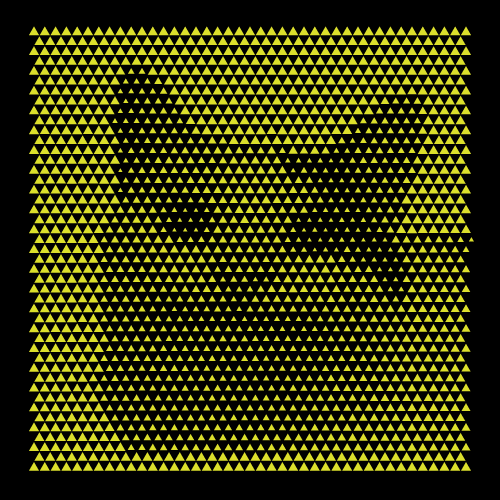
Any shape can be the dot. Swap circles for rectangles, polygons or stars, or draw a custom shape (even your logo, imported as SVG) and the photo is rebuilt from it. The brightness mapping stays the same, so a new look is one click away.
Grid, rings, spiral
or flowing lines.
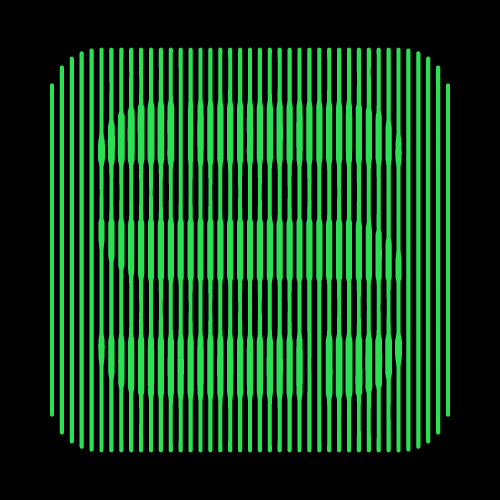
The layout sets the character. A staggered grid gives the classic print look, concentric rings and Fibonacci spirals turn a portrait into a poster, and Flow Lines draws the image with lines that swell and thin like an engraving.
Brightness can drive
more than size.
Size, spacing, angle, shape. The same image can set the spacing so dots crowd into the shadows, the angle so strokes turn with the light, or shape morphing (Pro) so circles become stars in the dark areas. Combine them for textures no filter can produce.
Print it, engrave it,
cut it.
- SVG
- Illustrator, screen printing, packaging
- DXF
- Laser engraving and cutting
- STEP (.stp)
- Perforated panels, facades, CNC
- PNG
- Transparent background, for mockups and renders
Start from a preset
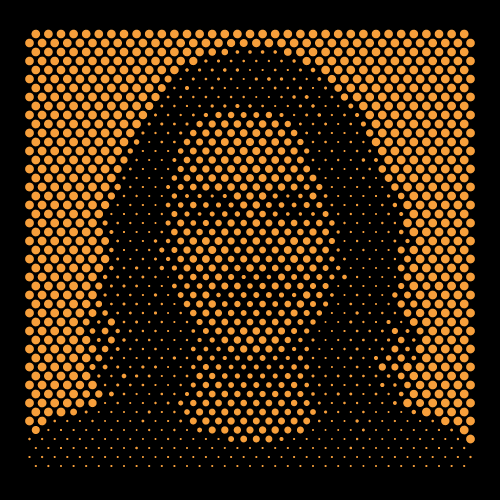
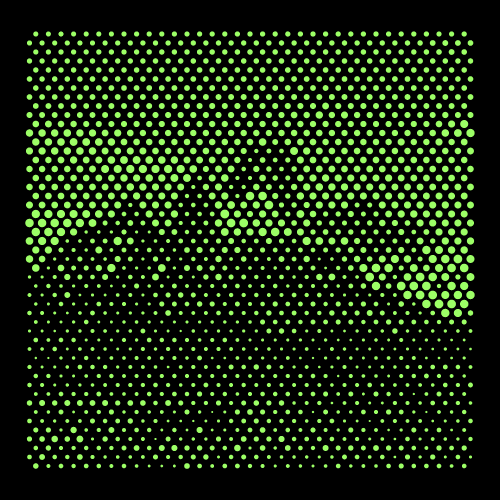
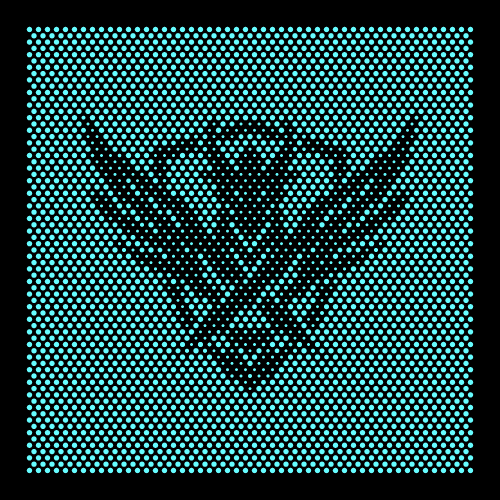
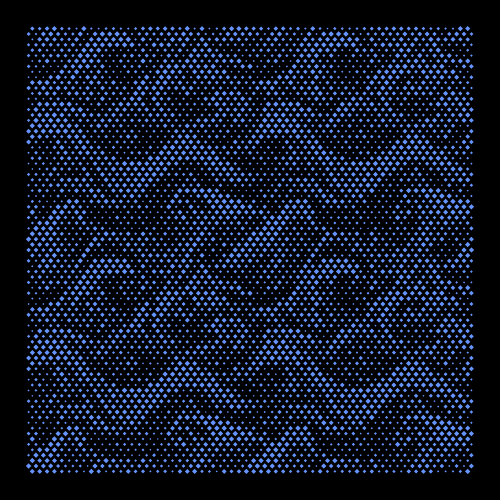
Portraits, landscapes, emblems and textures from the official library, each driven by a photo. Browse them for ideas or load any of them with Pro.
Guide
Photo to halftone guide
Step by step: from a photo to a laser ready vector halftone.
Frequently asked questions
Is the halftone generator free?
Yes. Uploading photos, every layout and every export format are free to use, with 3 exports per day shared across all formats. Pro removes the limit and unlocks shape morphing, the full preset library and more.
Is this an AI image filter?
No. It is a parametric mapping: each dot reads the brightness under it and sizes itself between two values you set. The same photo and settings always give the same result, and everything stays editable.
Which photos work best?
High contrast images with a clear subject, such as a portrait against a light background. Use Contrast to push the midtones, and Invert when you need the opposite, for example dark dots on light material.
Can I use my logo as the dot?
Yes. Import it as SVG or DXF in the custom shape editor and every dot becomes your logo, sized by the photo.
Can I laser engrave or cut the halftone?
Yes. Export SVG or DXF for engraving or cutting. Every dot is a closed vector shape, so the laser follows real outlines instead of tracing pixels. Check the smallest dot against your kerf before you cut.
Which file formats can I export?
SVG for print and Illustrator, DXF for laser and CNC, STEP (.stp) for perforated panels in CAD, and PNG with a transparent background for mockups.
Your first halftone is one photo away.
Want to try it?
This tool requires a desktop computer. Leave your email and we'll send you the link.
Please enter a valid email address.
Something went wrong. Please try again.
We've already sent the link to this address today. Please check your inbox and spam folder.
You're all set!
Check your inbox. The link is on its way.