Round holes, slots, hexagons.
Or your own shape.
Swap the hole, keep the layout. Circles, rectangles with rounded ends, polygons and stars are built in, and the custom shape editor draws anything else or imports it from SVG or DXF. Width, height and corner radius are numbers, so a slot comes out exactly as your tooling needs it.
A vent along an edge
is a single line.
Line and curve controllers. Draw a line along the exhaust edge and the holes are largest there, fading into solid material further in. Drag an end to angle it, or bend it into a curve to follow a fan or a rounded corner. Advanced options such as single side and infinite extent (Pro) keep the effect on one side of the line or carry it across the whole panel.
Hole size and spacing
are numbers, not guesses.
Mind the web. Type the hole size and the spacing, and the web between holes is simply the difference. Keep it above what your sheet metal, mold or printer can hold, and the open area readout shows how much airflow area that leaves you.
Straight to the laser,
the press or CAD.
- SVG
- Laser cutting, documentation, renders
- DXF
- Punching, CNC, sheet metal flat patterns
- STEP (.stp)
- Cut directly into the housing in CAD
Start from a preset
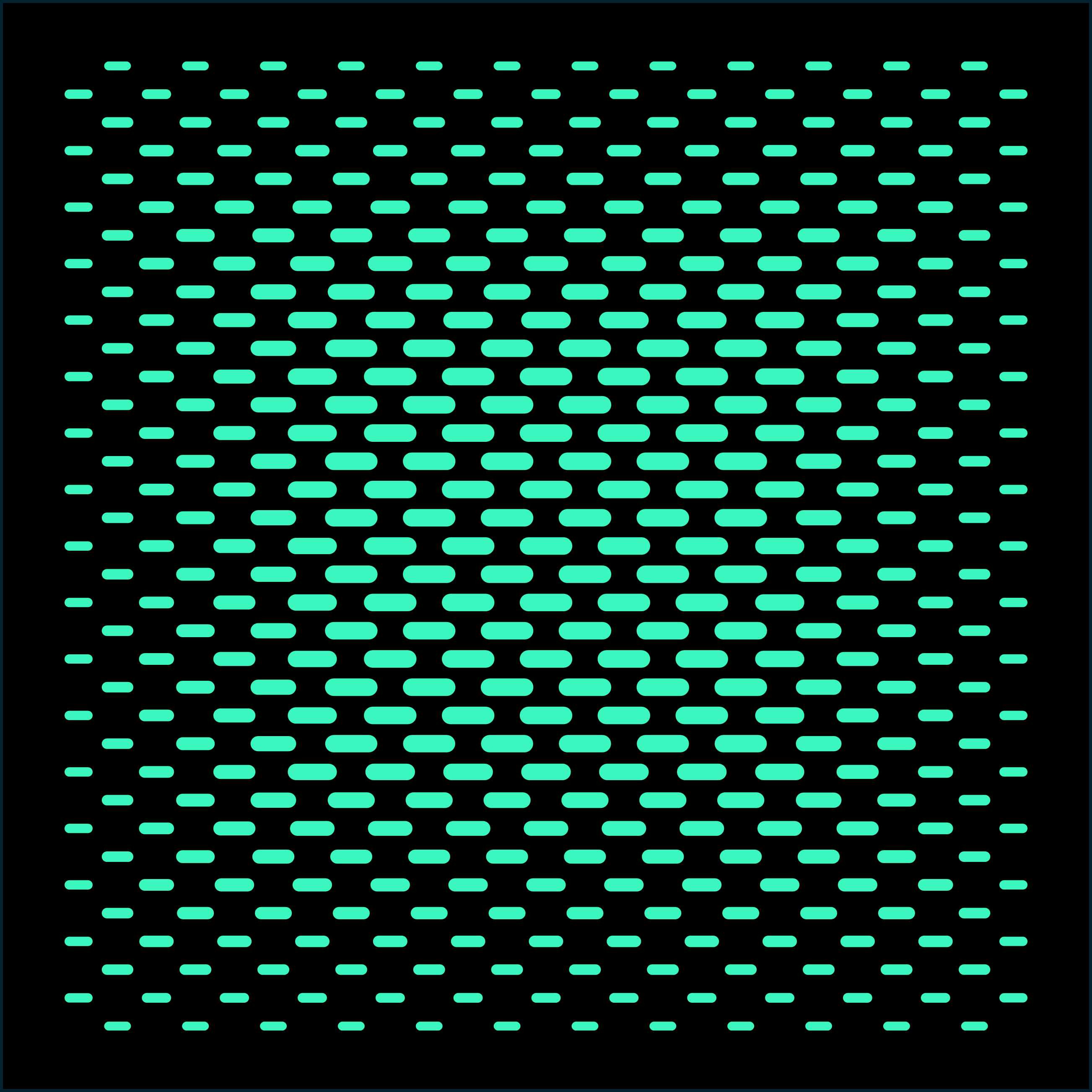
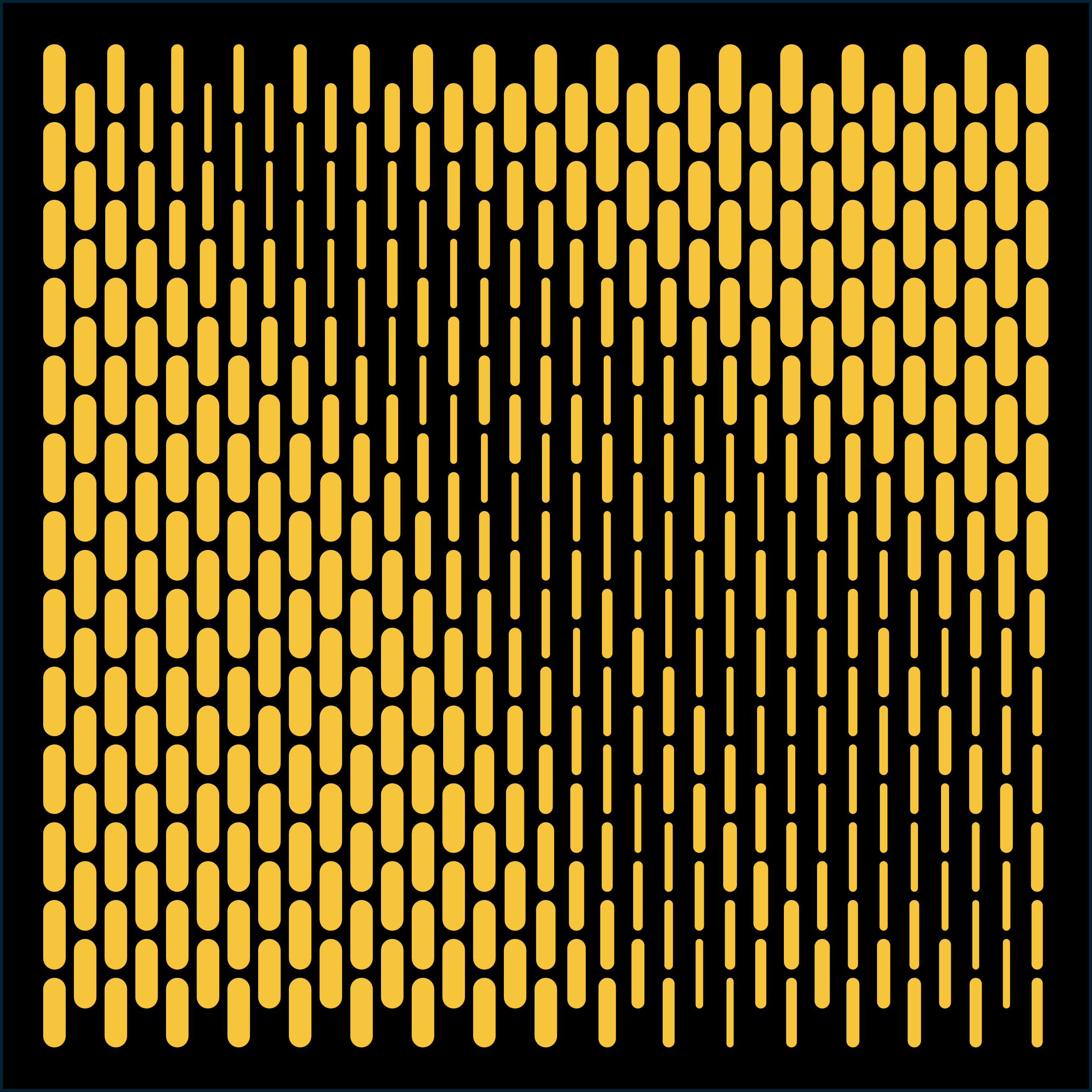
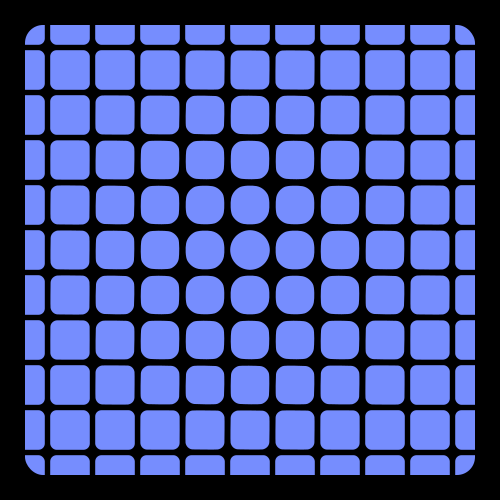
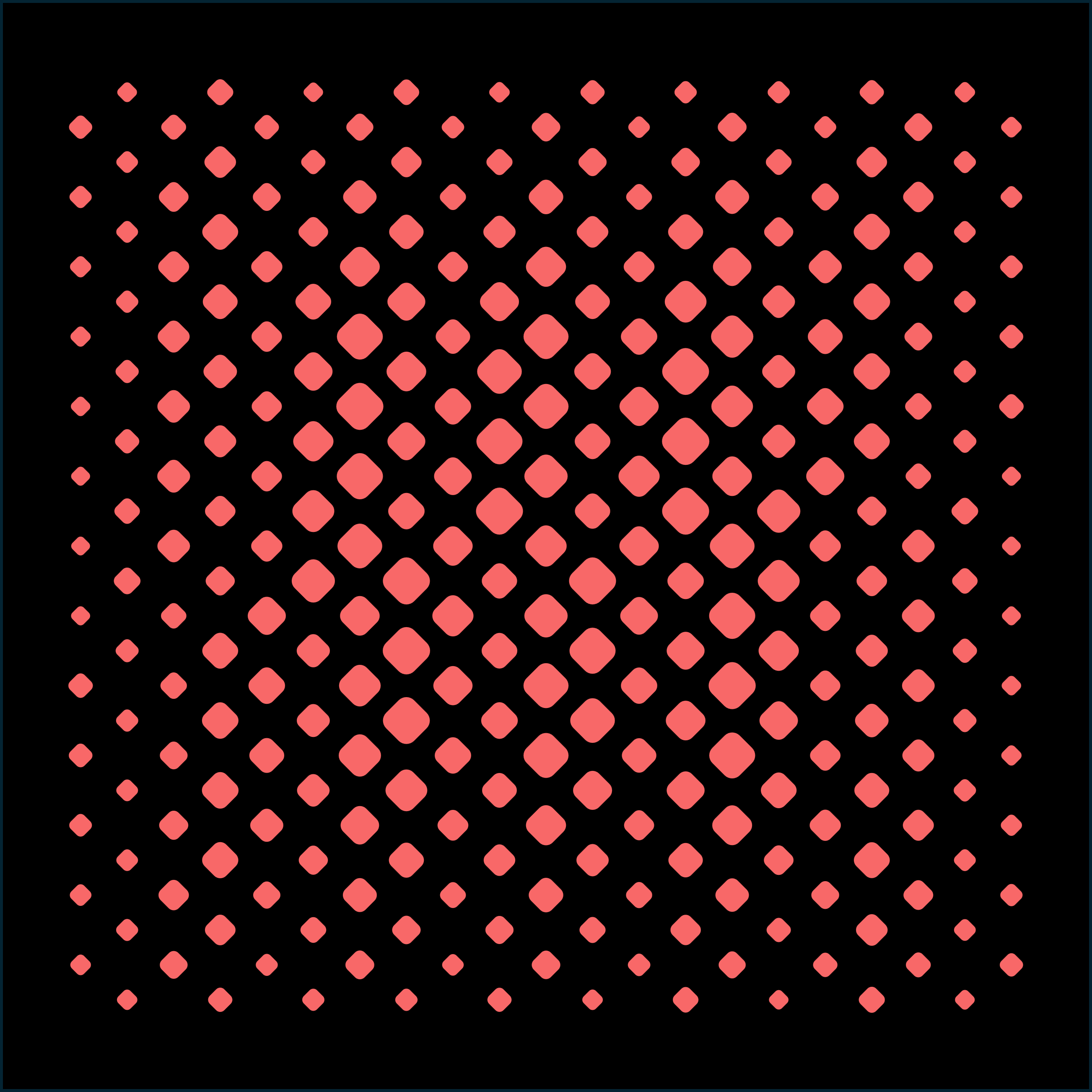
Slots, capsules, hexagons and rounded squares from the official library, all built with the same controls. Browse them for ideas or load any of them with Pro.


Guide
Export STEP to CAD
Import the pattern into SolidWorks or Fusion 360 and keep dense patterns fast.
Frequently asked questions
Is the ventilation hole generator free?
Yes. Every layout, controller and export format is free to use, with 3 exports per day shared across all formats. Pro removes the limit and unlocks STP Split, draft angle, shape morphing and the full preset library.
Can I see the open area while I design?
Yes. The canvas shows the total open area live, as hole area divided by boundary area, next to the hole count. It updates while you move a controller or change a size, so you can trade airflow against strength as you go.
Can I export vents for an injection molded part?
Yes. Export STEP as a solid and set a draft angle between 0 and 10° (Pro) so the hole walls taper for mold release. Before exporting, SolidVents checks the tapered outlines and marks any hole that would collapse or break out of the boundary.
My CAD slows down with thousands of vent holes. What helps?
STP Split (Pro) divides the model into blocks you choose, exported either as a ZIP of STEP files or as one assembly file. Every block keeps absolute coordinates, so the pieces line up on their own when imported.
Which file formats can I export?
SVG and DXF for laser cutting, punching and drawings; STEP (.stp) for SolidWorks, Fusion 360, Creo, CATIA, Inventor and Rhino.
Do I need to install anything?
No. SolidVents runs in Chrome, Edge, Firefox and Safari on a computer or tablet. You can start without an account; signing in is only needed for Pro features such as the cloud repository.
Your vent layout is a few minutes away.
Want to try it?
This tool requires a desktop computer. Leave your email and we'll send you the link.
Please enter a valid email address.
Something went wrong. Please try again.
We've already sent the link to this address today. Please check your inbox and spam folder.
You're all set!
Check your inbox. The link is on its way.