Rounded Diamond Halftone Pattern
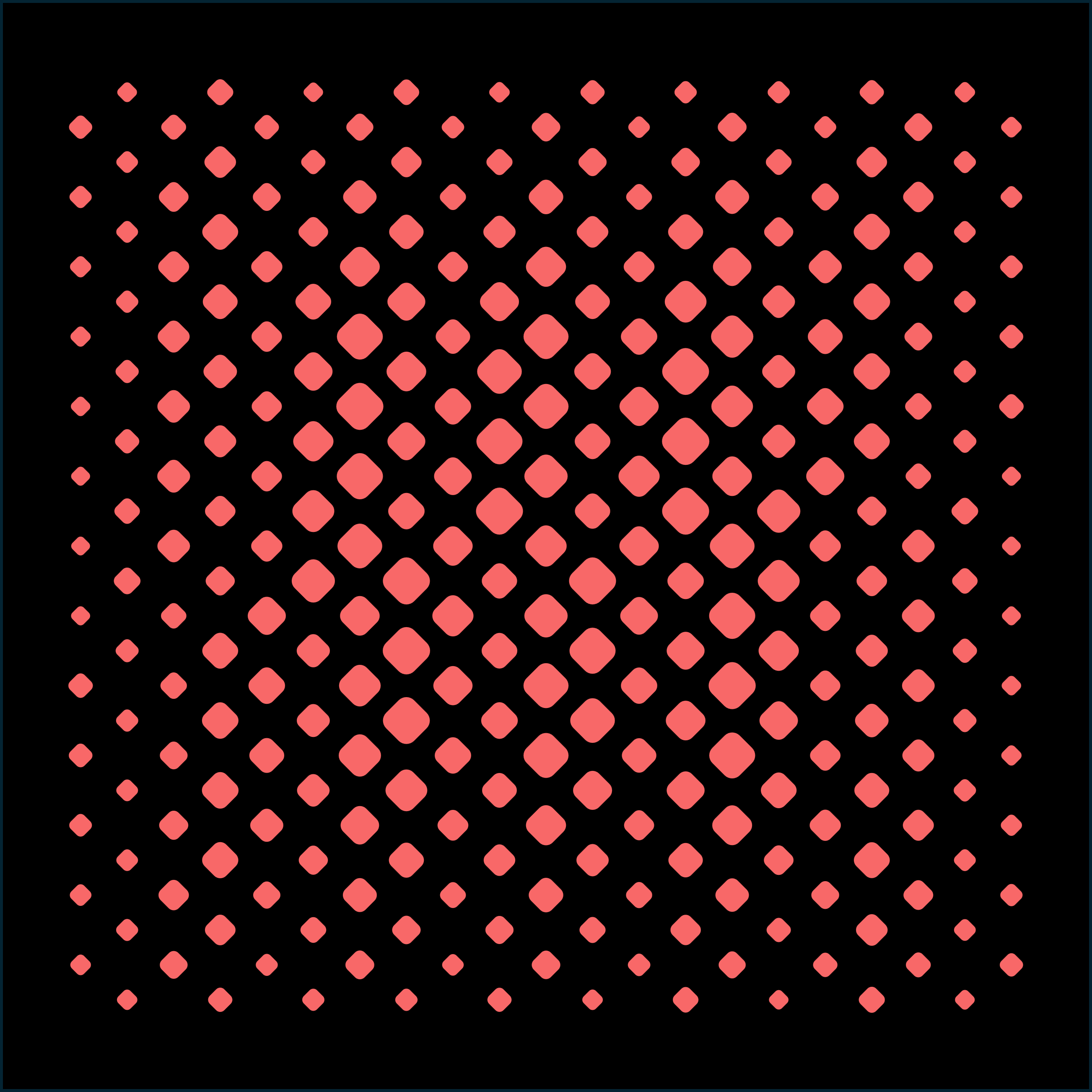
Rounded diamonds on a hexagonal grid with a radial size gradient and a touch of size noise, giving a soft, organic halftone that peaks in the center and fades to fine dots at the edges.
About this pattern
A halftone does not have to be made of circles. This preset rotates a rounded rectangle 45° into a soft diamond and lets a radial gradient drive its size: large, almost-touching cells in the middle of the panel, shrinking smoothly to small accents at the corners.
The detail that keeps it from looking mechanical is the 29% size noise. Every element gets a slight random size offset on top of the gradient, which breaks the perfect rows and gives the field a hand-crafted, textile-like quality, closer to a woven pattern than a printed screen.
Because the gradient center, radius, and easing are all live parameters, you can drag the hotspot off-center, tighten the falloff for a spotlight effect, or invert the mapping so the pattern opens up at the edges instead. Exported as SVG or DXF it works as-is for laser cutting; as STEP it becomes a ready-to-machine perforated plate.
Pattern parameters
| Array type | Hexagonal grid |
| Element shape | Rounded rectangle (rotated 45°) |
| Spacing (X / Y) | 24 mm / 36 mm |
| Size gradient | Radial from center + 29% size noise |
| Canvas | 500 × 500 mm |
Every value above is a live parameter, nothing is baked. Typical uses: Speaker grilles, acoustic panels, brand wall features, book covers, screen-printed graphics.
How to use this template
- Open the free Halftone Pattern Generator, which runs in the browser with no install or sign-up.
- Rebuild the look with the parameters listed above, or open Marketplace inside the app and import preset #012 directly (Pro).
- Make it yours: adjust spacing, size, gradients, or swap the element shape, then export as SVG, DXF, or STEP for print, laser cutting, or CAD.
Start designing with this pattern
Free to use, no sign-up, runs in your browser. Every parameter stays editable.
Open the Halftone Pattern Generator · Free

